Post Grabber field notes
Keep the files. Keep the context.
Practical instructions for backing up Instagram work, understanding what the platform preserves, and avoiding account-access shortcuts that create bigger problems.
- Guides
- 10
- Focus
- Content you own or may use

04
Account backup
-
Photo: Samsung Memory US How to export your Instagram informationRequest an Instagram account export from Accounts Center, choose the right format and media quality, and store the result safely.
-
Photo: SanDisk A simple Instagram backup workflow for creatorsSet up a repeatable folder system for Instagram photos, Reels, Stories, captions, and account exports.
-
Photo: Lee Peterson Move your Instagram content to a new phone without losing originalsPrepare camera files, drafts, editor projects, and account access before changing phones.
-
Photo: Dawit How to open an Instagram export in HTML or JSONUnzip an Instagram account export, browse the HTML version, inspect JSON safely, and locate the media folders.

01
Stories
-
Photo: Swello What Instagram's Stories Archive keepsUnderstand what the Instagram Stories Archive saves, what can change in archived stories, and how to protect important originals.

01
Reels
-
Photo: Georgia de Lotz A reliable way to back up Reels you createdKeep editable masters, published exports, captions, and permission records for Instagram Reels without relying on the profile copy.

01
Media quality
-
Photo: Grigorii Shcheglov Why your saved Instagram copy may not be the originalUnderstand the difference between a camera original, an editor export, and the processed copy delivered through Instagram.
02
Account safety
-
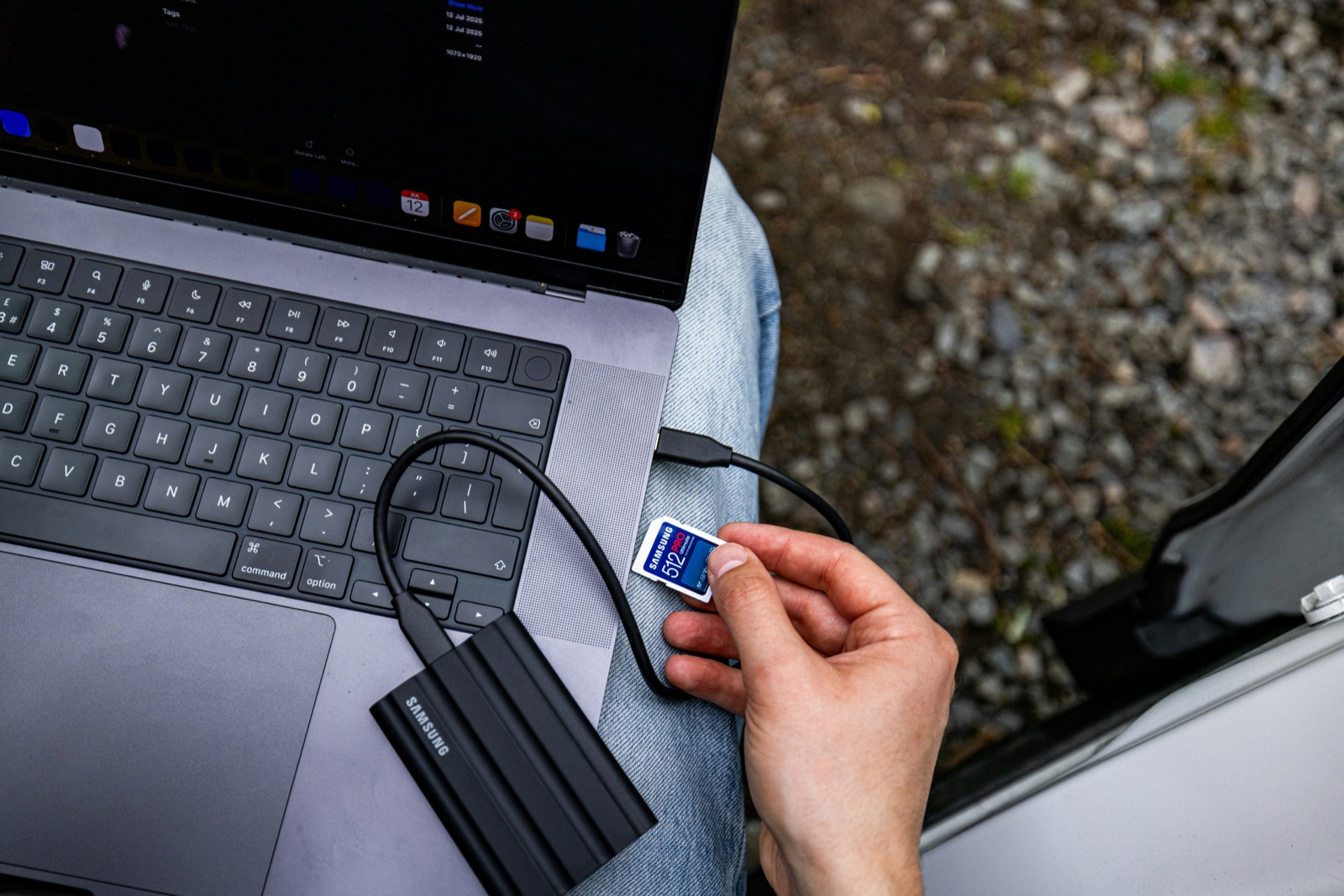
Photo: Samsung Memory US What to save before deleting an Instagram accountExport account information, preserve original media, and record business dependencies before requesting Instagram account deletion.
-
Photo: Petter Lagson How to recognize an unsafe Instagram download siteSpot requests for passwords, cookies, authentication codes, extensions, and other unnecessary access when saving your own content.


01
Rights and safety
-
Photo: Georgia de Lotz Permission, credit, and reposting on InstagramUnderstand why credit is not the same as permission and what to record before reposting another creator's work.